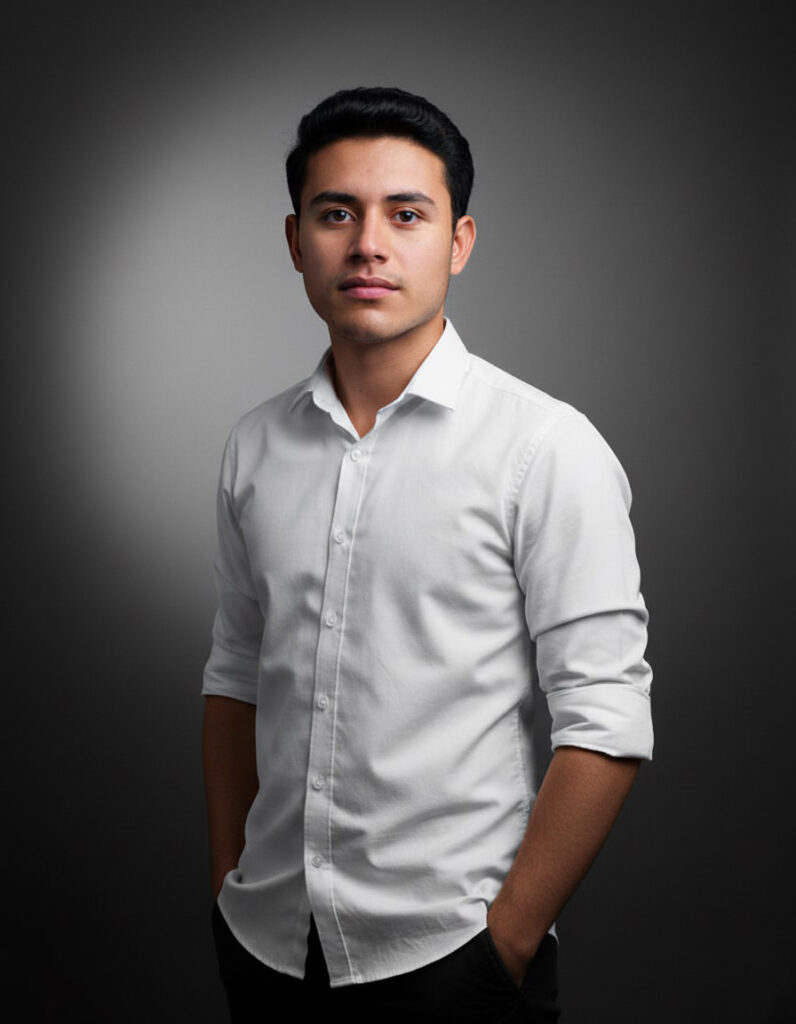
Create a magical winter portrait using the uploaded child photo with a gemini prompt, keeping the face completely realistic and unchanged. Transform the background into a cozy snowy winter wonderland with falling snowflakes, soft glowing lights, and a peaceful holiday atmosphere.
Place the child outdoors in a charming snowy setting like a village street, snowy forest path, or near a wooden cabin with warm glowing windows. The child can wear a cozy winter outfit: knitted sweater, scarf, wool hat, mittens, and boots.
Add gentle falling snow and soft snow layers on trees and rooftops for an authentic winter scene. Lighting should be warm and soft, reflecting from lanterns or holiday lights. Depth of field should slightly blur the background while keeping the child in sharp focus. Small sparkles and glowing snowflakes enhance the magical effect.
Keep skin texture natural and unchanged. Avoid cartoonish features; the style should resemble a professional photography look. The final image should feel warm, joyful, and nostalgic perfect for holiday cards, family keepsakes, or festive decorations.
This gemini prompt for kids AI photo editing creates beautiful seasonal portraits while preserving the child’s authentic facial identity and expression.

Gemini Prompt
Use the uploaded kid photo. Keep the child’s face completely realistic and unchanged. Place the child in a cozy snowy winter wonderland: village street, snowy forest path, or wooden cabin with glowing windows. Outfit: knitted sweater, scarf, wool hat, mittens, boots. Add gentle falling snow, snow layers on trees and rooftops, soft glowing lantern or holiday lights. Depth of field: child sharply in focus, background slightly blurred. Add subtle sparkles and glowing snowflakes. Maintain natural skin texture and photorealistic style. Warm, nostalgic, and joyful winter scene. Perfect for holiday cards, family keepsakes, or festive decorations.
How to use given prompt in Gemini (Nano Banana)?
Follow these simple steps to use a prompt in Gemini (Nano Banana):
- Copy the AI prompt from our website.
- Open Gemini (Nano Banana) in your browser.
- Paste the prompt into the input box.
- Upload your image (if the prompt requires a reference photo).
- Adjust settings like lighting, background, face details, or style if needed.
- Click Generate to create your AI image.
Gemini AI will process your instructions and produce a high-quality, realistic image based on the prompt details.