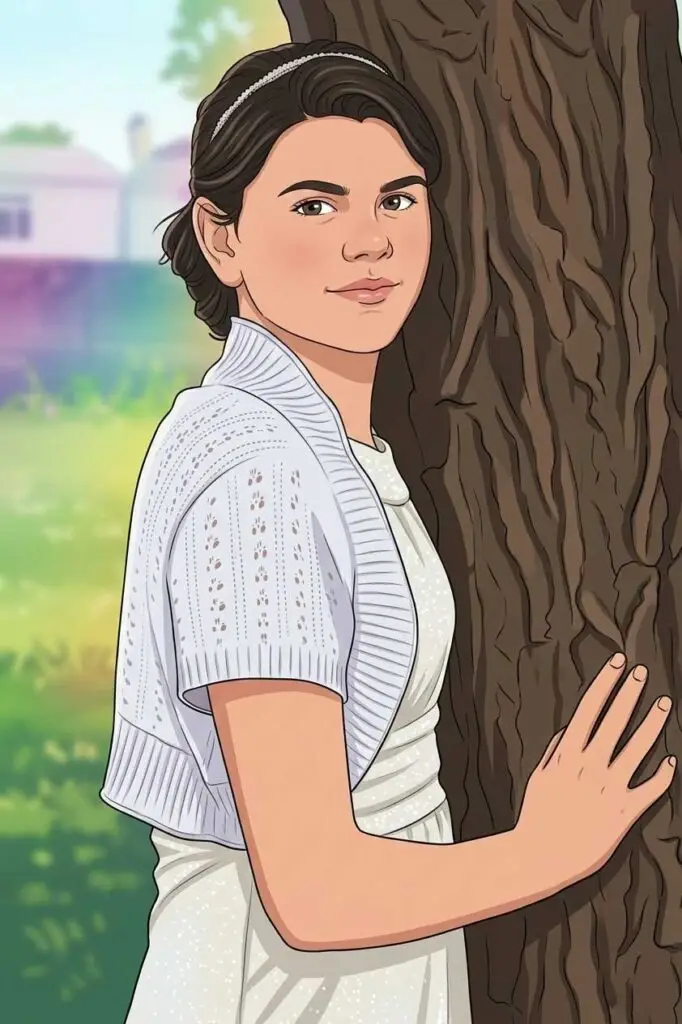
Transforming Portraits into GTA Game-Style Digital Art – Gemini GTA 6 Prompt

Gemini Prompt
Take me a hyper-realistic, half-body portrait (without altering hairstyle or facial structure) of a young man in an artistic pastel-themed studio. Photo description: He’s dressed in a light beige cardigan layered over a cream shirt. Behind him, soft pastel-colored fabric drapes blend pink, lavender, and mint tones. Atmosphere: Dreamy and elegant — natural sunlight from one side enhances the textures and colors, creating a painterly effect. Camera details: Shot on a 50mm prime lens, natural daylight only, with a gentle vignette. Pose: He sits with relaxed posture, eyes slightly squinting as if smiling softly toward the viewer.
How to use given prompt in Gemini (Nano Banana)?
How to Create This Style in Gemini
If you want to recreate this look or experiment with your own photos, you can use the following prompt structure within Gemini.
The Prompt Recipe
“Transform this uploaded photo into a Grand Theft Auto inspired character illustration. Use bold black outlines, a semi-realistic comic book style, and high-contrast shadows. Place the character in a [Insert Setting, e.g., vibrant neon city street] with dramatic rim lighting. Ensure the facial details remain recognizable but styled as a digital painting. Add a colorful urban vibe similar to Rockstar Games loading screen art.”
Pro-Tips for Better Results:
Start with a Clear Photo: A front-facing headshot with good lighting (like your original) works best so the AI can map your facial features accurately.
Specify the Background: You can change the vibe by asking for a “luxury beachfront,” “gritty industrial shipyard,” or “glitzy casino interior.”
Mention the Pose: If you want a specific “action” look, ask the AI to change your pose to “holding a briefcase,” “leaning against a sports car,” or “crossing arms confidently.”